
×

Notice

The forum is in read only mode.

How to updated devo12s with the deviation hardware

More
30 Aug 2017 11:47 #64030 by Scccc
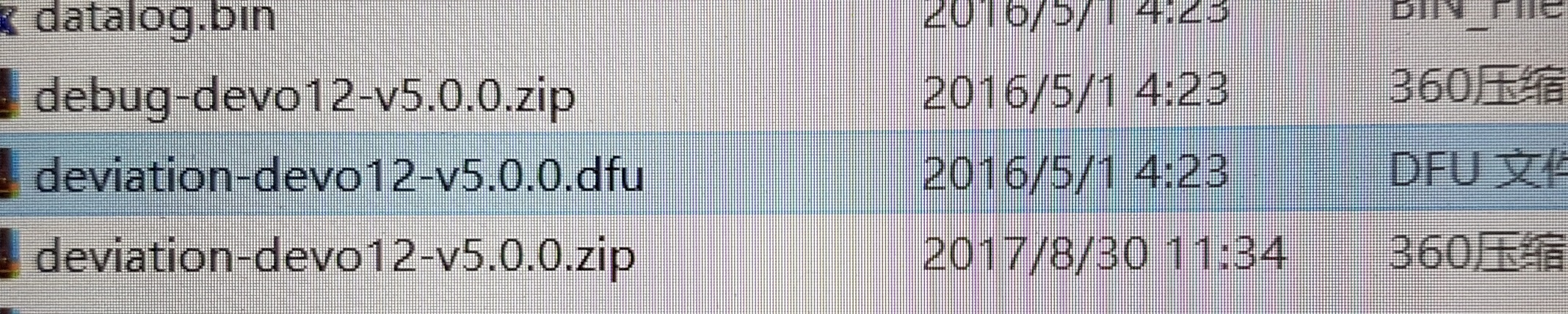
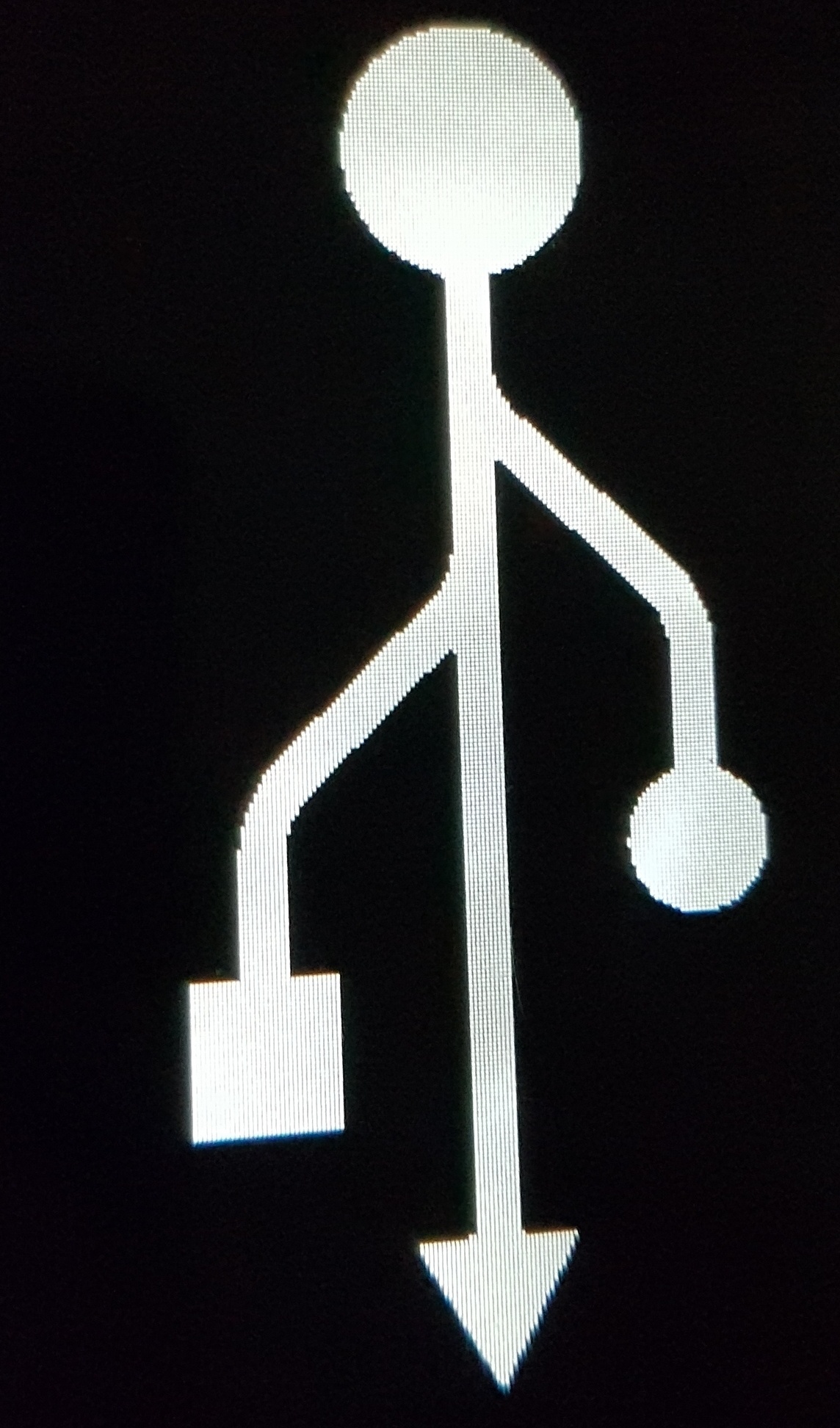
Did I choose the correct hardware ?When I finished flashing the hardware(first picture),and then copy the document.But when i turn on the power it appears that (second picture). And it just leave 1.97M space in the USB modem? Can you help me?
Attachments:
More
30 Aug 2017 13:24 #64031 by vlad_vy
You need (with use DfuSe USB Upgrade):
1. Flash deviation-devo12-v5.0.0.dfu at "Firmware" tab.
2. Flash devo12-lib.dfu at "Library" tab
3. Format USB drive
4. Copy filesystem files to USB drive.
More
30 Aug 2017 14:16 #64033 by Scccc
when i flash "devo 12-lib.duf" at " library" tab ishould choose the "upload file"or "upgrade or verify"?
More
30 Aug 2017 14:37 #64034 by vlad_vy
"Upgrade or verify" and press "Upgrade"
More
30 Aug 2017 15:41 #64035 by Scccc
Thank you for your help.I have success upgrade deviation to my devo 12s
Time to create page: 0.789 seconds
Powered by Kunena Forum