
- Posts: 28
Help
- Leather Lung
-
Topic Author
- Offline
Less
More
10 Mar 2014 21:41 #21433
by Leather Lung
Help was created by Leather Lung
followed the how to on installing the firmawre v4.0.1, it appears on my Devo 10, but i can't find the preset modles on the TX. the file is there when I plug into the computer, but maybe Im unsure of how to get it displayed on the Tx. I'm trying to start with # 39 ultra beginner for super cp. any help would be great. thanks.
- WheresWaldo
-
- Offline

Less
More
- Posts: 253
10 Mar 2014 22:22 - 10 Mar 2014 22:23 #21434
by WheresWaldo
Replied by WheresWaldo on topic Help
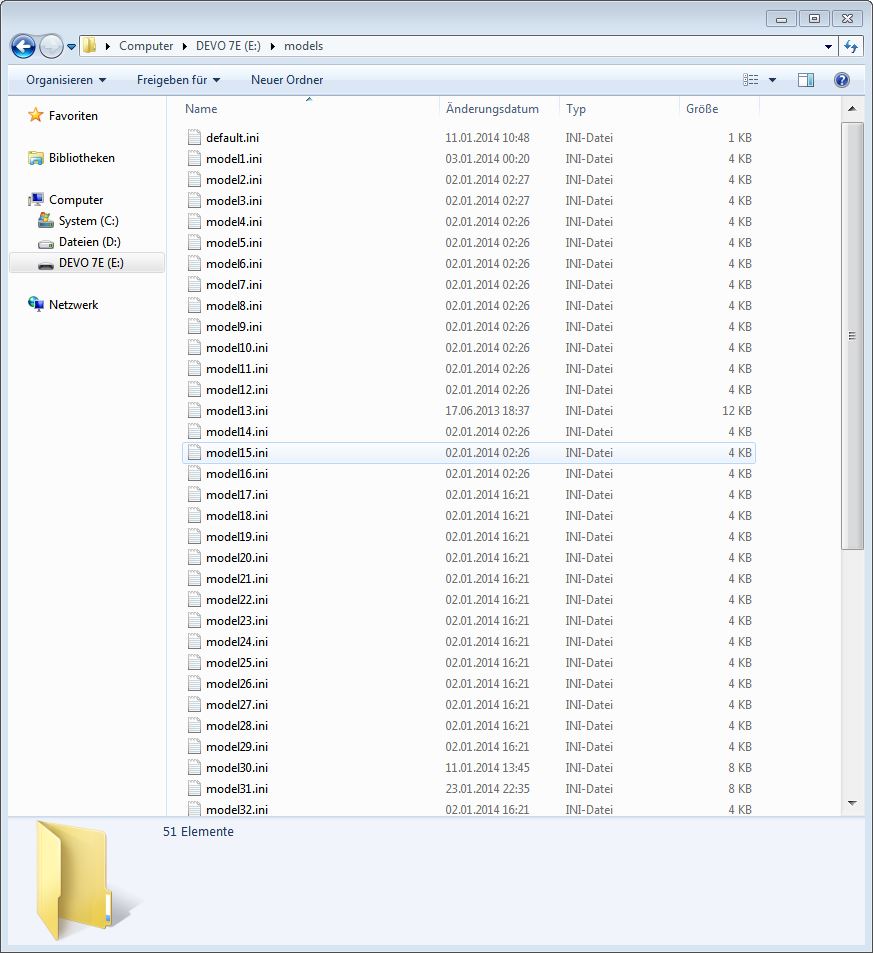
LL, the models must be consecutively numbered without any gaps. The default is model1.ini -> model30.ini. If you just load model39.ini without renaming it the TX will never see it, just rename it to any of the ini files under 30 or if you want to keep it separate rename it model31.ini as that would likely be the next consecutive number available.
Last edit: 10 Mar 2014 22:23 by WheresWaldo.
- Leather Lung
-
- Offline
Less
More
- Posts: 28
10 Mar 2014 22:37 #21435
by Leather Lung
Replied by Leather Lung on topic Help
ok, I think i understand that, however when the Tx is pluge into my computer I shows the files that I downloaded ie.. the E drive or my DEVO 10 but when I disconect from the computer and try to find any of the modles none are on the Tx under modles.
- WheresWaldo
-
- Offline
Less
More
- Posts: 253
11 Mar 2014 03:45 - 11 Mar 2014 03:46 #21439
by WheresWaldo
Replied by WheresWaldo on topic Help
Don't forget that Windows will try to give text files the default.txt extension. So if you are hiding known extensions in Windows the file might actually be named "model39.ini.txt".
Make sure you uncheck the option in Windows Explorer; Organize >> Folder and search options >> View >> Uncheck "Hide extensions for known file types".
Make sure you uncheck the option in Windows Explorer; Organize >> Folder and search options >> View >> Uncheck "Hide extensions for known file types".
Last edit: 11 Mar 2014 03:46 by WheresWaldo.
- Leather Lung
-
- Offline
Less
More
- Posts: 28
11 Mar 2014 14:47 #21457
by Leather Lung
Replied by Leather Lung on topic Help
I will try and explain my situation better.
Brand new DEVO 10. Never used prior.
I have Dfuse usb tool on desktop
I have Devo 10 v4.0.1 zip on desktop
I have copy of models on desktop
when I power up Tx it shows Deviation FW Version devo10-v4.0.1
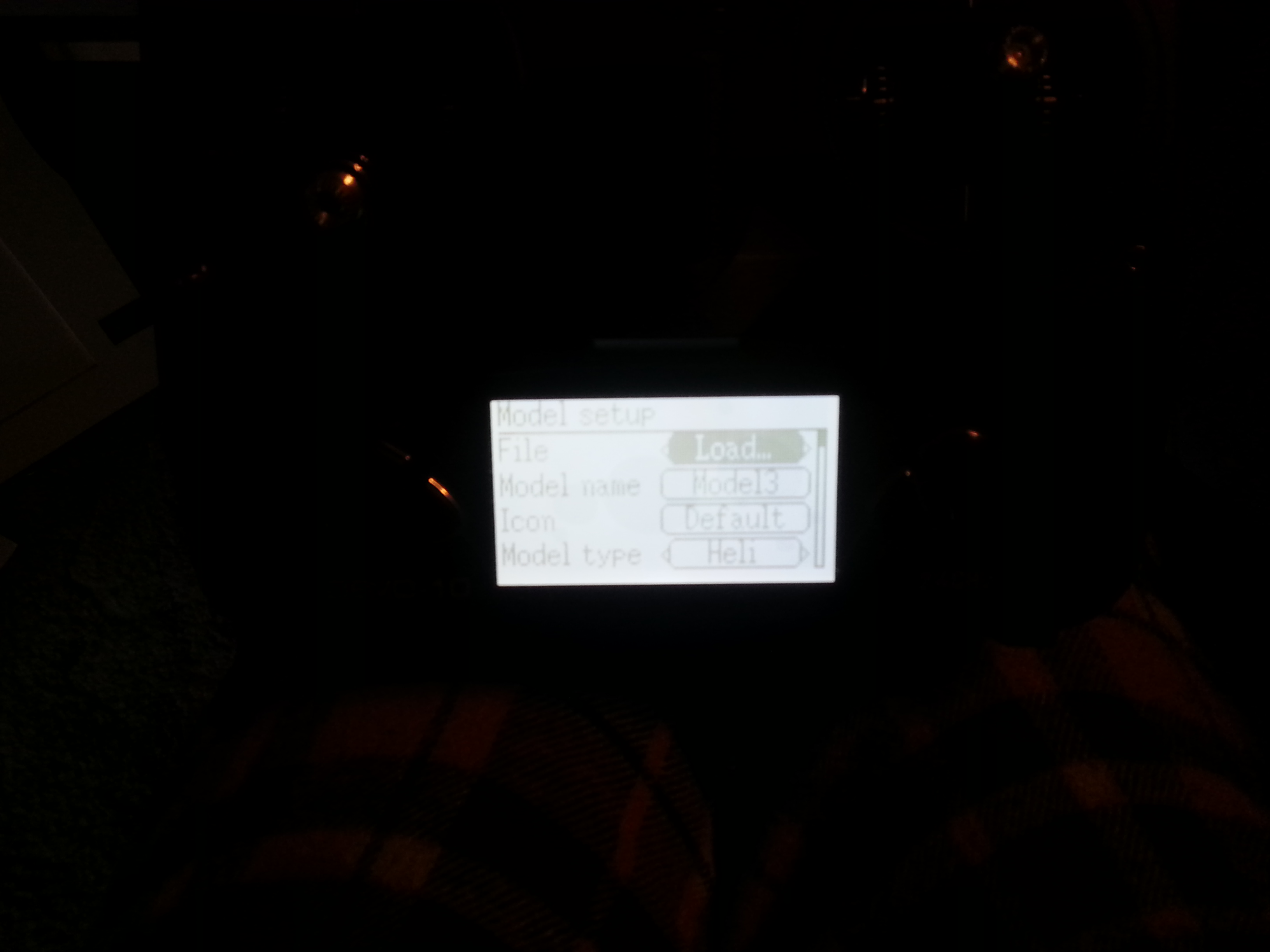
Model menu, enter, model set up, enter, load, enter, I have just one model to chose from should I have all the model configurations that are on the desktop here?
When i power up Tx plugged into computer and hold down ent, windows ask about what to do with files, I open/veiw and model files are there.
When I open the usb dfuse tool it shows nothing at th bottom ie no Tx. All help would be graet, looking for basic directions on just getting this one super cp in the air with the beginner settings. Thanks.
Brand new DEVO 10. Never used prior.
I have Dfuse usb tool on desktop
I have Devo 10 v4.0.1 zip on desktop
I have copy of models on desktop
when I power up Tx it shows Deviation FW Version devo10-v4.0.1
Model menu, enter, model set up, enter, load, enter, I have just one model to chose from should I have all the model configurations that are on the desktop here?
When i power up Tx plugged into computer and hold down ent, windows ask about what to do with files, I open/veiw and model files are there.
When I open the usb dfuse tool it shows nothing at th bottom ie no Tx. All help would be graet, looking for basic directions on just getting this one super cp in the air with the beginner settings. Thanks.
- FDR
-
- Offline

- Leather Lung
-
- Offline
Less
More
- Posts: 28
- sbstnp
-
- Offline

Less
More
- Posts: 649
- Leather Lung
-
- Offline
Less
More
- Posts: 28
- sbstnp
-
- Offline
Less
More
- Posts: 649

Time to create page: 0.200 seconds
