
- Posts: 3
SOLVED: USB symbol on Jumper T8SG Plus on startup
- stevempotter
-
Topic Author
- Offline
Less
More
13 Jul 2020 11:28 #76586
by stevempotter
SOLVED: USB symbol on Jumper T8SG Plus on startup was created by stevempotter
It means the file system on the internal disk got corrupted.
Jumper support sent me the firmware, and I needed to
1. Plug in Tx to a Windows machine, and turn it on (no need to hold buttons down if USB logo appears).
2. Reformat the Tx internal drive with FAT format.
3. Unzip the firmware and drag all of the resulting files onto the Tx internal drive.
4. Power down Tx, unplug USB, and upon restart, I see a factory fresh software and throttle warning.
As this Tx was new, I did not have any models configured yet. But be sure to back up your models after creating them so you can reload them if you need to do this.
Firmware as of 13 July 2020:
(remove the ".zip" and then uncompress the .rar archive)
The .rar has three versions for different Txs.
The one that worked on my T8SG Plus Carbon V3 with LCD (not OLED) was
deviation-t8sg_v2-5.0.0-1c43d1b
Note: no need to use any flashing software. That did not work. Just reformat, and then drag files.
Jumper support sent me the firmware, and I needed to
1. Plug in Tx to a Windows machine, and turn it on (no need to hold buttons down if USB logo appears).
2. Reformat the Tx internal drive with FAT format.
3. Unzip the firmware and drag all of the resulting files onto the Tx internal drive.
4. Power down Tx, unplug USB, and upon restart, I see a factory fresh software and throttle warning.
As this Tx was new, I did not have any models configured yet. But be sure to back up your models after creating them so you can reload them if you need to do this.
Firmware as of 13 July 2020:
(remove the ".zip" and then uncompress the .rar archive)
The .rar has three versions for different Txs.
The one that worked on my T8SG Plus Carbon V3 with LCD (not OLED) was
deviation-t8sg_v2-5.0.0-1c43d1b
Note: no need to use any flashing software. That did not work. Just reformat, and then drag files.
Attachments:
- cmpang
-
- Offline

Less
More
- Posts: 296
28 Aug 2020 10:33 - 28 Aug 2020 12:54 #76725
by cmpang
Replied by cmpang on topic SOLVED: USB symbol on Jumper T8SG Plus on startup
windows was still unable to format the usb drive after firmware update.
cmPang
cmPang
Last edit: 28 Aug 2020 12:54 by cmpang.
- propnut
-
- Offline

Less
More
- Posts: 172
28 Aug 2020 19:26 #76727
by propnut
Replied by propnut on topic SOLVED: USB symbol on Jumper T8SG Plus on startup
Search through my posts. I provide information as how to solve this. It is not as simple Steve's example if your SD has become corrupt. You need to do a low level format that can only be achieved with the right image.
- cmpang
-
- Offline
Less
More
- Posts: 296
29 Aug 2020 15:16 #76728
by cmpang
Replied by cmpang on topic SOLVED: USB symbol on Jumper T8SG Plus on startup
thanks for your prompt reply.
However, searching thru your posts not getting the appropriate solution you mentioned. please help
cmPang
However, searching thru your posts not getting the appropriate solution you mentioned. please help
cmPang
- vlad_vy
-
- Offline

Less
More
- Posts: 3333
29 Aug 2020 15:39 #76729
by vlad_vy
Replied by vlad_vy on topic SOLVED: USB symbol on Jumper T8SG Plus on startup
With nightly builds you can completely erase flash memory chip (for T8SG series). On USB screen press UP button, then press DN button, reboot transmitter and format USB drive with Quick format option enabled.
- cmpang
-
- Offline
Less
More
- Posts: 296
30 Aug 2020 09:34 - 30 Aug 2020 09:35 #76730
by cmpang
Replied by cmpang on topic SOLVED: USB symbol on Jumper T8SG Plus on startup
done that but windows still unable to format
I did get beeps upon pressing the up and down button though
I did get beeps upon pressing the up and down button though
Last edit: 30 Aug 2020 09:35 by cmpang.
- propnut
-
- Offline
Less
More
- Posts: 172
30 Aug 2020 19:53 #76733
by propnut
Replied by propnut on topic SOLVED: USB symbol on Jumper T8SG Plus on startup
The thread I was referring to was this one
https://www.deviationtx.com/forum/6-general-discussions/8746-t8sg-carbon-plus-dead-after-upgrade#76499
But TBH I wasn't aware that the nightlies also had this capability.
Is your PC actually finding the radio ? Are you making sure that the USB symbol is showing on the screen before you plug it into your PC?
If not it could be a driver issue.
https://www.deviationtx.com/forum/6-general-discussions/8746-t8sg-carbon-plus-dead-after-upgrade#76499
But TBH I wasn't aware that the nightlies also had this capability.
Is your PC actually finding the radio ? Are you making sure that the USB symbol is showing on the screen before you plug it into your PC?
If not it could be a driver issue.
- cmpang
-
- Offline
Less
More
- Posts: 296
31 Aug 2020 03:00 #76734
by cmpang
Replied by cmpang on topic SOLVED: USB symbol on Jumper T8SG Plus on startup
yes. In fact the problem is the usb symbol shown on the T8SG display all the time whenever the radio is powered up.
My PC was able to find the radio and keep asking to format before it can be used. Sadly the quick format can never be done.
My PC was able to find the radio and keep asking to format before it can be used. Sadly the quick format can never be done.
- propnut
-
- Offline
Less
More
- Posts: 172
31 Aug 2020 07:28 #76736
by propnut
Replied by propnut on topic SOLVED: USB symbol on Jumper T8SG Plus on startup
Find and try that image I list in my post above. Worked for me on two different radios now. I had the exact same symptoms as you.
- Costantino
-
- Offline

Less
More
- Posts: 7
25 Oct 2020 20:09 #76933
by Costantino
Replied by Costantino on topic SOLVED: USB symbol on Jumper T8SG Plus on startup
The nightly builds don't work for me. I get the usb symbol and cannot see the drive from the computer. When I try the quick format procedure, I only get a beep from the up button, and never get to the USB drive to format it on Mac and Windows.
The last image that works for me is deviation-t8sg_v2_plus-v5.x.x-2020-03-23 from vlad_vy's post.
I want to try redpine, but I don't see it in this build.
Why can't the flash tool be fixed in the nightly? I'm not sure what magic there is in the deviation-t8sg_v2_plus-v5.x.x-2020-03-23 build, but it should be in the nightly too
BTW I have a yellow T8SG V2 Plus (OLED which takes 5min to warm up) with a T8SG V3 mainboard which includes the voice hardware.
The last image that works for me is deviation-t8sg_v2_plus-v5.x.x-2020-03-23 from vlad_vy's post.
I want to try redpine, but I don't see it in this build.
Why can't the flash tool be fixed in the nightly? I'm not sure what magic there is in the deviation-t8sg_v2_plus-v5.x.x-2020-03-23 build, but it should be in the nightly too
BTW I have a yellow T8SG V2 Plus (OLED which takes 5min to warm up) with a T8SG V3 mainboard which includes the voice hardware.
- propnut
-
- Offline
Less
More
- Posts: 172
26 Oct 2020 13:46 #76936
by propnut
Replied by propnut on topic SOLVED: USB symbol on Jumper T8SG Plus on startup
I think there's your problem. You actually believe anyone is fixing anything anymore....sorry to tell you but it seems this project is dead. How much longer the actual site stays up will be the next question as someone must be paying for the hosting and I am sure eventually they will decide not to.
Use the build in this thread
https://www.deviationtx.com/forum/builds/8656-t8sg-v2-windows-can-t-format-usb-drive
Use the build in this thread
https://www.deviationtx.com/forum/builds/8656-t8sg-v2-windows-can-t-format-usb-drive
- Costantino
-
- Offline
Less
More
- Posts: 7
26 Oct 2020 14:29 #76937
by Costantino
Replied by Costantino on topic SOLVED: USB symbol on Jumper T8SG Plus on startup
That is the image that I'm using now.
I was hoping to try redpine, but this version does not seem to have that protocol included.
It's too bad that this project is ending. I prefer Deviation over OpenTX.
Maybe a tango with a multiprotocol module in the bay will be next. I have no illusions that this TX will be alive much longer based on the worsening display problem. I'm done with cheap Jumper/Radiomaster junk.
I was hoping to try redpine, but this version does not seem to have that protocol included.
It's too bad that this project is ending. I prefer Deviation over OpenTX.
Maybe a tango with a multiprotocol module in the bay will be next. I have no illusions that this TX will be alive much longer based on the worsening display problem. I'm done with cheap Jumper/Radiomaster junk.
- propnut
-
- Offline
Less
More
- Posts: 172
26 Oct 2020 18:06 #76942
by propnut
Replied by propnut on topic SOLVED: USB symbol on Jumper T8SG Plus on startup
The Radiomaster TX8 is very nice. I had one for awhile but sold it for the TX16S. I still have a Jumper T8SG like yours and mine is 100% fine but there is just no comparison between DeviationTX and OpenTX now. OpenTX is actively being developed, the multi-protocol module has way exceed the number of protocols supported by Deviation and clearly the project has died so I will keep my two DevTX radios out of nostalgia but I spend most of my time on the TX16S now.
- gustavochagas
-
- Offline

Less
More
- Posts: 4
29 Oct 2020 15:45 #76958
by gustavochagas
Replied by gustavochagas on topic SOLVED: USB symbol on Jumper T8SG Plus on startup
hello guys,
I have a Radiomaster tx8 (jumper logo) i'm already tired of having to format the internal storage and copy the firmware files ... often after using a simulator via USB or even via DSC cable, the USB symbol appears on the display .. please HOW to make the internal storage does not corrupt ??
thanks
I have a Radiomaster tx8 (jumper logo) i'm already tired of having to format the internal storage and copy the firmware files ... often after using a simulator via USB or even via DSC cable, the USB symbol appears on the display .. please HOW to make the internal storage does not corrupt ??
thanks
- Costantino
-
- Offline
Less
More
- Posts: 7
29 Oct 2020 16:00 #76959
by Costantino
Replied by Costantino on topic SOLVED: USB symbol on Jumper T8SG Plus on startup
The only thing that worked for me (T8SG V2 Plus OLED with V3 mainboard) was the "deviation-t8sg_v2_plus-v5.x.x-2020-03-23" image from vlad_vy on this thread:
www.deviationtx.com/forum/builds/8656-t8...n-t-format-usb-drive .
After uploading the DFU image using DeviationUpload-0.9.0.jar (I'm on a Mac) I was able to partition and format the drive (MBR/FAT32) using Disk Utility, and then uploading the filesystem from the zip.
I'm not sure why my TX can't use the nightly builds, but I suspect it is a different flash chip on the V3 mainboard.
Good Luck
www.deviationtx.com/forum/builds/8656-t8...n-t-format-usb-drive .
After uploading the DFU image using DeviationUpload-0.9.0.jar (I'm on a Mac) I was able to partition and format the drive (MBR/FAT32) using Disk Utility, and then uploading the filesystem from the zip.
I'm not sure why my TX can't use the nightly builds, but I suspect it is a different flash chip on the V3 mainboard.
Good Luck
- gustavochagas
-
- Offline
Less
More
- Posts: 4
15 Nov 2020 16:31 #77014
by gustavochagas
Replied by gustavochagas on topic SOLVED: USB symbol on Jumper T8SG Plus on startup
I give up on the TX8! there's no way, I'll wait for Radioking TX18S to arrive ...
- propnut
-
- Offline
Less
More
- Posts: 172
15 Nov 2020 16:42 #77015
by propnut
Replied by propnut on topic SOLVED: USB symbol on Jumper T8SG Plus on startup
Send me the TX8, i'll take it off you.
- Costantino
-
- Offline
Less
More
- Posts: 7
15 Nov 2020 22:29 - 16 Nov 2020 00:55 #77016
by Costantino
Replied by Costantino on topic SOLVED: USB symbol on Jumper T8SG Plus on startup
FWIW
I was finally able to use the nightly build with my T8sg V2 Plus after installing the nightly build DFU and getting the dreaded USB symbol, then following the quick format steps from www.deviationtx.com/forum/builds/8656-t8...n-t-format-usb-drive .
A couple of things were different for me when I tried the procedure:
1) I never got the beep from the down button in step 4
2) it took a good minute to see the unformatted USB drive show up in disk utility (on a Mac) after rebooting the transmitter in step 5
Then I formatted the drive FAT/MBR and copied the files from the nightly zip file
Now I'm finally talking redpine to a DE65 Pro 2s "pusher style" running Betaflight 4.2.4 with Meteor65 frame and pids carefully extracted from: betafpv.freshdesk.com/support/solutions/...f-of-meteor65-hd-fcc
I'm glad I spent the time to get this TX to use the nightly build, but between the screen and flash chip problems, this thing is a P.I.T.A.P.O.S.
From now on I'll follow the " I'm not rich enough to buy cheap things" rule.
Happy Flying (charging/destroying/spending/waiting/repairing/testing/tuning)
I was finally able to use the nightly build with my T8sg V2 Plus after installing the nightly build DFU and getting the dreaded USB symbol, then following the quick format steps from www.deviationtx.com/forum/builds/8656-t8...n-t-format-usb-drive .
A couple of things were different for me when I tried the procedure:
1) I never got the beep from the down button in step 4
2) it took a good minute to see the unformatted USB drive show up in disk utility (on a Mac) after rebooting the transmitter in step 5
Then I formatted the drive FAT/MBR and copied the files from the nightly zip file
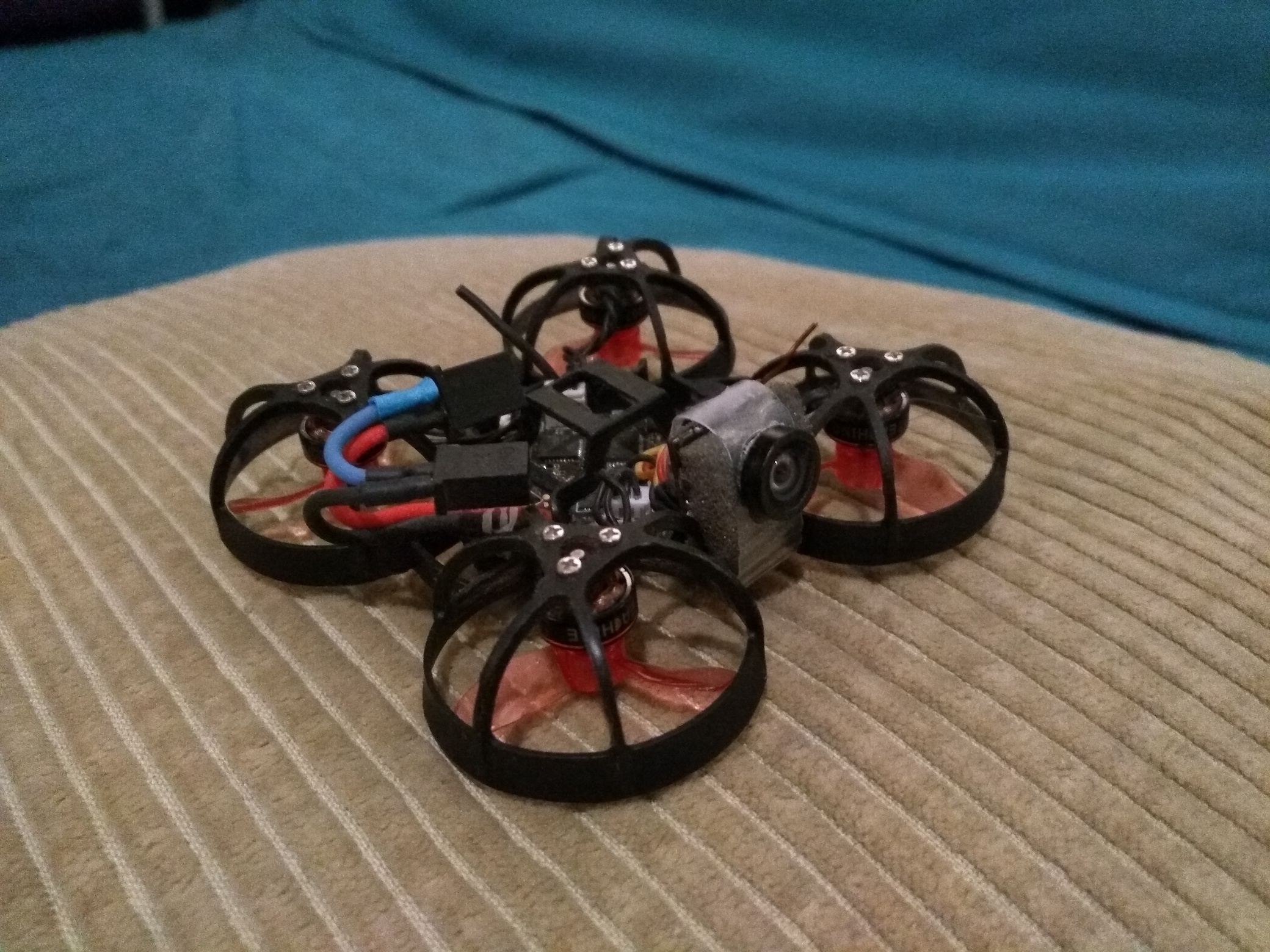
Now I'm finally talking redpine to a DE65 Pro 2s "pusher style" running Betaflight 4.2.4 with Meteor65 frame and pids carefully extracted from: betafpv.freshdesk.com/support/solutions/...f-of-meteor65-hd-fcc
I'm glad I spent the time to get this TX to use the nightly build, but between the screen and flash chip problems, this thing is a P.I.T.A.P.O.S.
From now on I'll follow the " I'm not rich enough to buy cheap things" rule.
Happy Flying (charging/destroying/spending/waiting/repairing/testing/tuning)
Last edit: 16 Nov 2020 00:55 by Costantino.
- Costantino
-
- Offline
Less
More
- Posts: 7
18 Dec 2020 19:01 #77127
by Costantino
Replied by Costantino on topic SOLVED: USB symbol on Jumper T8SG Plus on startup
New problem with nightly build. Now I can't mount the USB drive to add or remove any files.
I tried enabling USB drive in the menu, then tried booting holding ent but no luck.
If I press the up button in USB mode, then I have to wait for the unformatted drive to appear in disk utility, reformat it MBR/FAT, then copy the deviation files from the zip, then move my model files in.
Then it will function again, but I cannot mount the USB drive to change anything whether it is on or off in the menu.
Am I missing the USB mounting proceedure?
Thanks
I tried enabling USB drive in the menu, then tried booting holding ent but no luck.
If I press the up button in USB mode, then I have to wait for the unformatted drive to appear in disk utility, reformat it MBR/FAT, then copy the deviation files from the zip, then move my model files in.
Then it will function again, but I cannot mount the USB drive to change anything whether it is on or off in the menu.
Am I missing the USB mounting proceedure?
Thanks
- Max_Doubt
-
- Offline

Less
More
- Posts: 3
31 Dec 2020 11:02 #77150
by Max_Doubt
Replied by Max_Doubt on topic SOLVED: USB symbol on Jumper T8SG Plus on startup
After my BRAND NEW Jumper T8SG plus v3 (LCD screen) suffered the dreaded USB screen of death after only a single use, I spent several late nights trying fruitlessly to fix it. In my case, I found the main problem was that connecting the Jumper to my PC resulted in the wrong driver being installed which meant that I couldn't sucessfully format the drive or proceed with firmware installation.
I finally figured out a fix and documented it in the attached PDF. I hope it helps someone save a lot of time and frustration!
I finally figured out a fix and documented it in the attached PDF. I hope it helps someone save a lot of time and frustration!
Time to create page: 0.664 seconds
-
Home

-
Forum
-
General
-
General Discussions
- SOLVED: USB symbol on Jumper T8SG Plus on startup